
Added
Email Alerts
about 2 years ago by Anna Unger
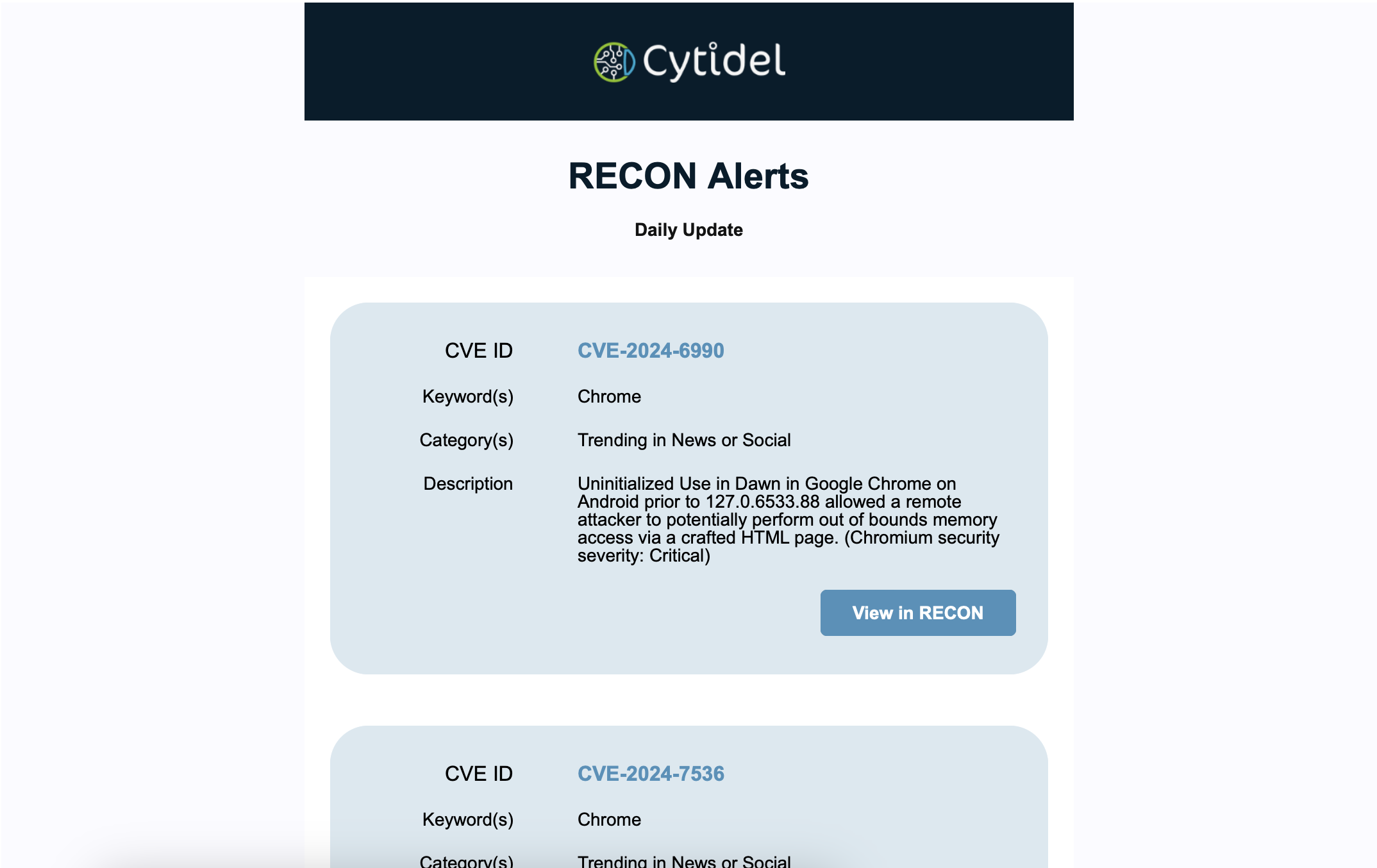
Don’t have time to check the Trends feed all day? Cytidel now sends you email alerts for any trending vulnerability that matches a keyword you care about.
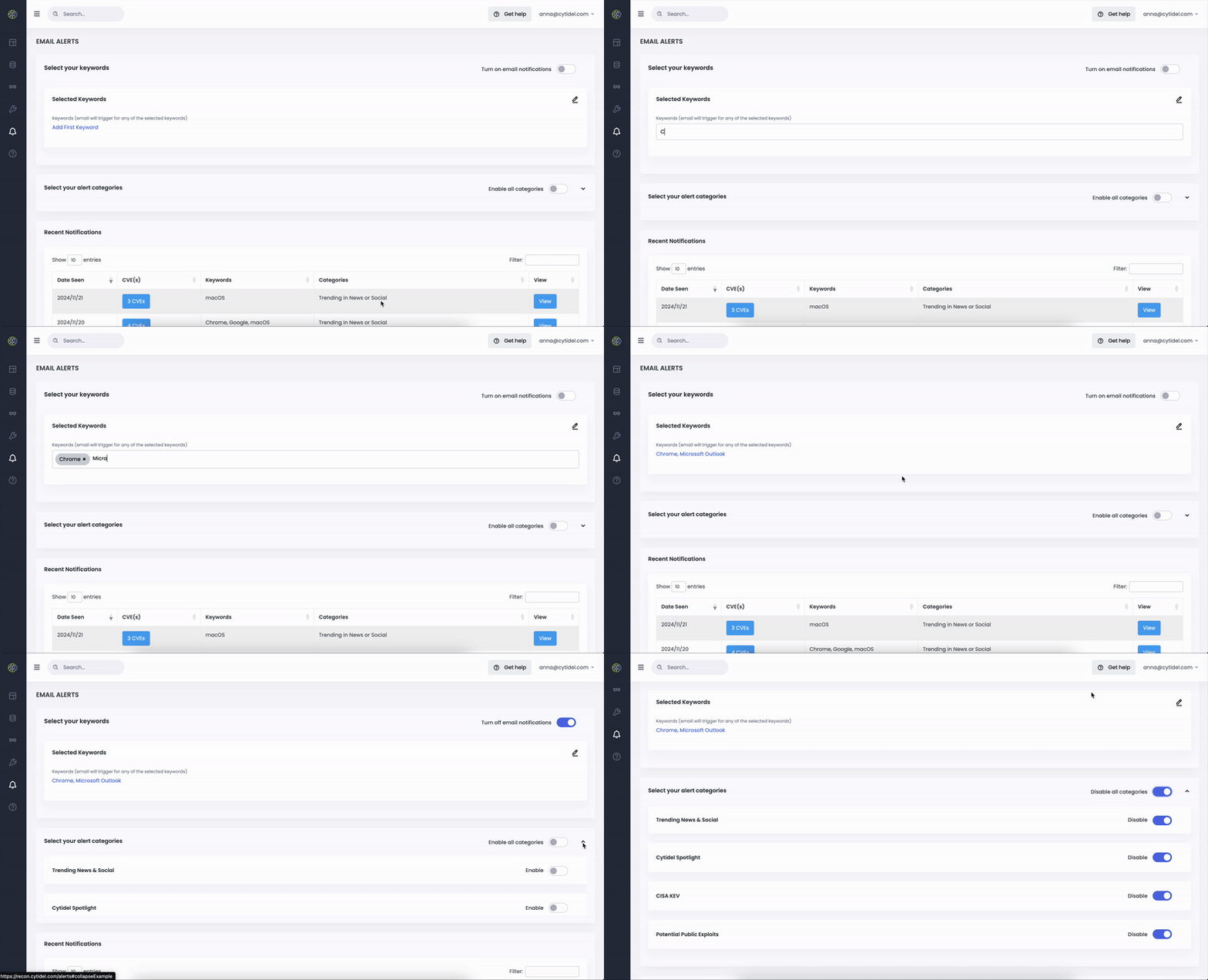
To set up:
- Set the keywords or tags you want to get alerted on, e.g. Google Chrome, Outlook, Windows Server 2016
- Select at least one category to start receiving alerts:
Trending News & Social, Cytidel Spotlight, CISA KEV, Potential Public Exploits - Turn on email notifications and get alerts in your inbox when criteria is met (max. 4 a day):