
Improved
Inventory insights across CVE and threat actor pages
3 months ago by Anna Unger
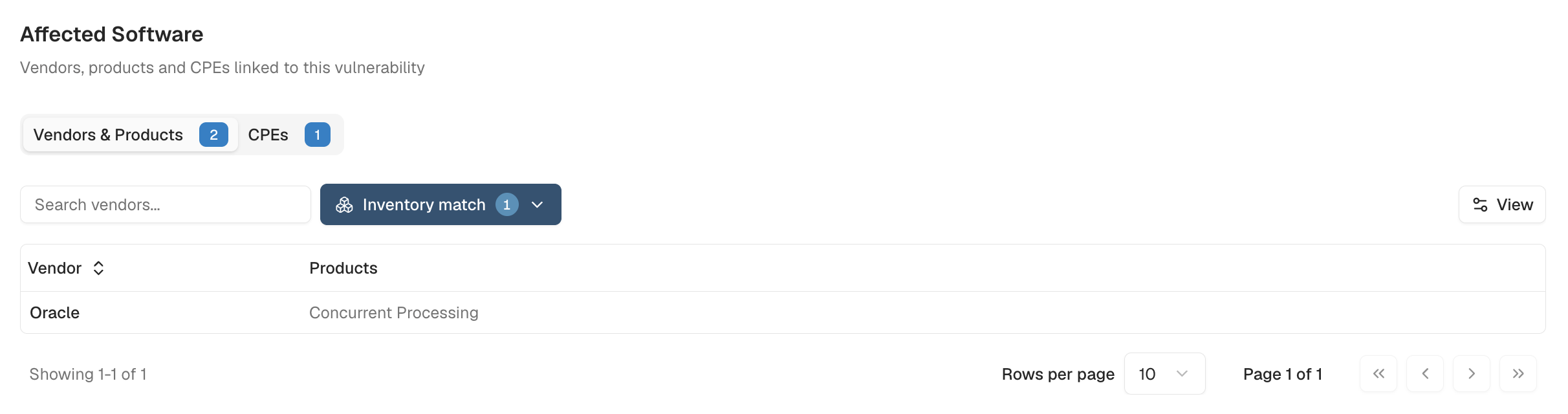
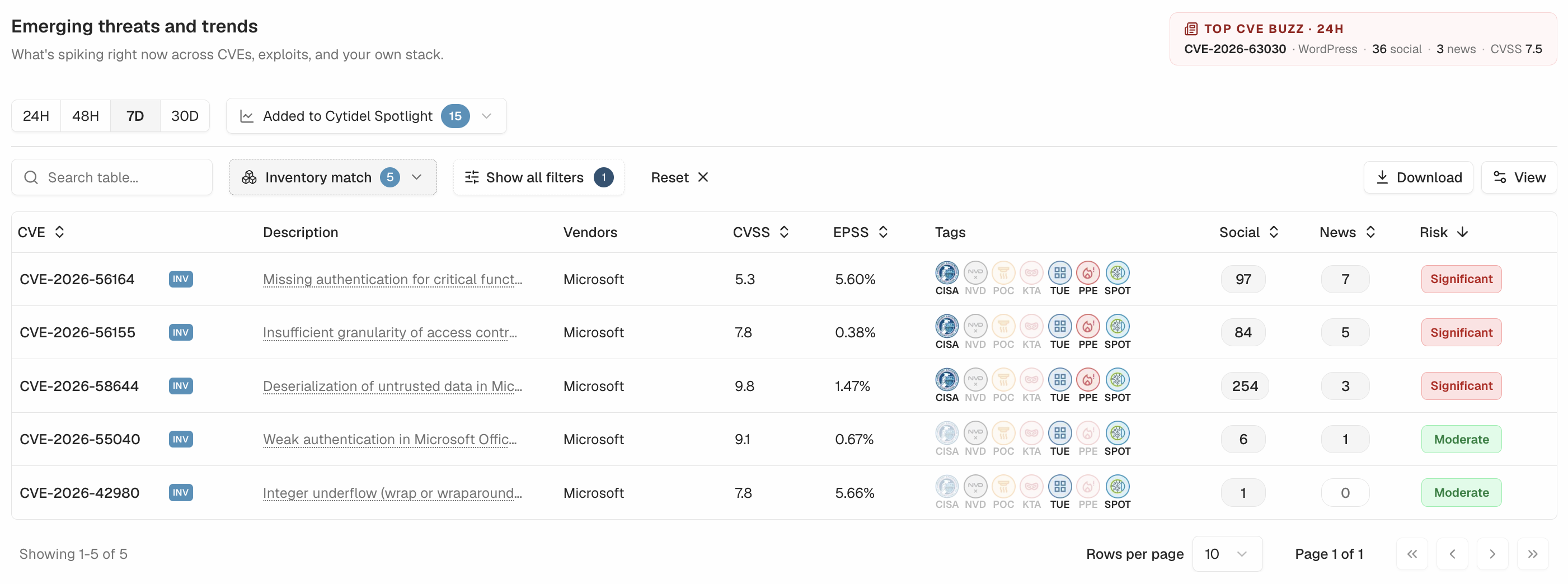
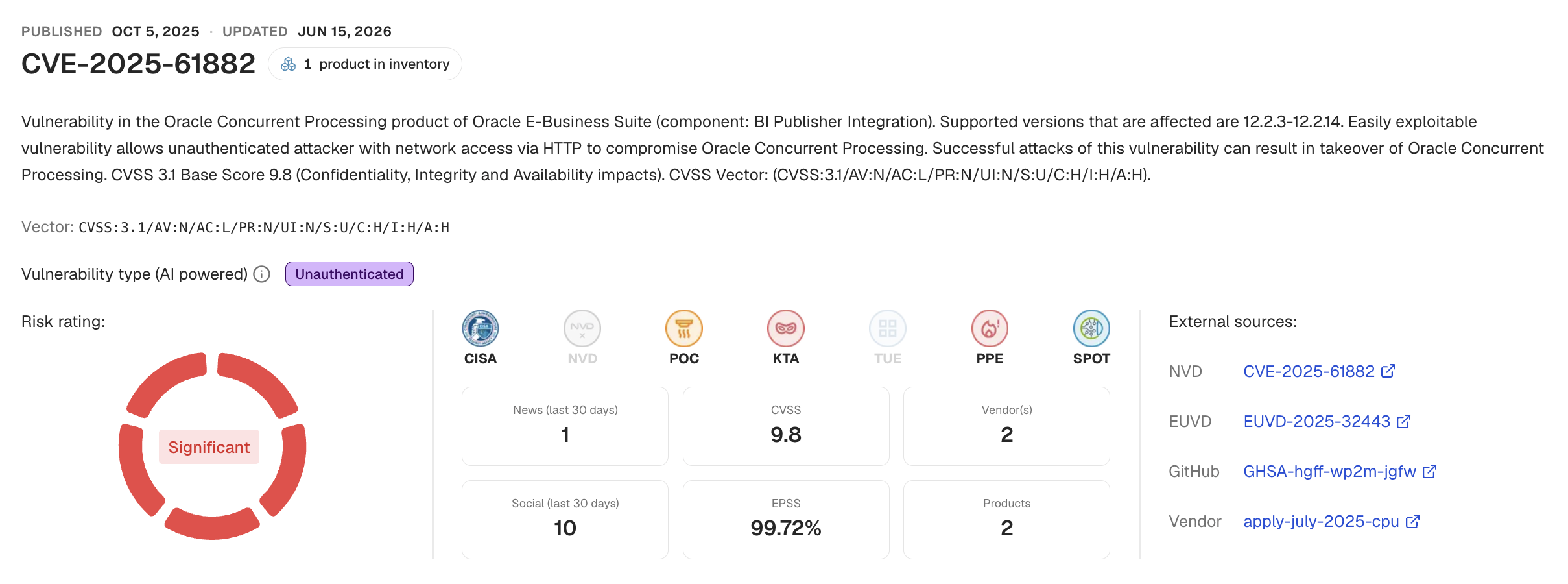
Key CVE tables — Trends, threat actor pages, and CVE details — now flag when your monitored software is affected. Filter Trends or CVE tables down to the software you care about, and on any CVE or threat actor overview card you'll see whether it's associated with your estate, with an inventory filter on the affected software table too. The more complete your inventory, the more Recon can tell you — and smart-alert insights are coming next.
Trends With Inventory Filter Applied:
CVE details with associated software that is in your inventory:
Affected Software Table with the Inventory filter: